
01
Edits the site
Tell WEB what changed: a phone number, the hours, a new service. It drafts the edit from the facts you gave it.
WEB keeps your website, Google profile, messages and schedule up to date, and drafts your social posts. You approve with one tap, and nothing goes out without you.
WEB is the person who edits your site. Talk to it, right here. Tell it what you do and where, and it drafts your site.
A draft is free. Nothing is charged until you press Publish.
99.991%
uptime target, measured by a separate monitor. Fall short and a credit is applied automatically
1
monthly price for your site: website, email, domain and care together. No setup fee
0
things published without you pressing the button
A made-up review on your site
WEB never invents a review, a patient story, a price, a license or an award.
Being told a change worked when it did not
WEB says what happened, including when something did not work.
Something going live without you
WEB drafts and stops. Only you press Publish.
Something posted without your OK
WEB drafts every post and listing update. Nothing goes out until you approve it.
Paying for a ranking promise
Nobody can promise you a spot on Google, and WEB does not.
Other plumbers in your area put emergency service on the first screen.
Your draft has it in the third section. Suggest moving it up?
We hold our own public-records site to the same rule: on Watch the Politicians, every vote, filing and statement links to its public source.
Samples. Not real businesses, no reviews.
Written for your trade, from the facts you give it. Nothing published, no mail sent, nothing charged until you press Publish.
Built for service businesses and small shops that would rather be on the job than in a website builder.
One site, built for your trade and your town, from the facts you give it.
Tell WEB what changed in plain words. It drafts the edit and shows you first.
What is going on in your trade and town, with the date and the source.
Hosting, security and updates are looked after. Nothing to install.
Already have a site? WEB moves it over. No migration fee.
See your usage and what WEB has drafted, in one place.
Before WEB builds anything it writes a short design brief: what the site is for, how loud it is, the layout, the type and the color. Then it builds the draft that way. Tell us you want it louder or quieter and it starts again from a new brief.
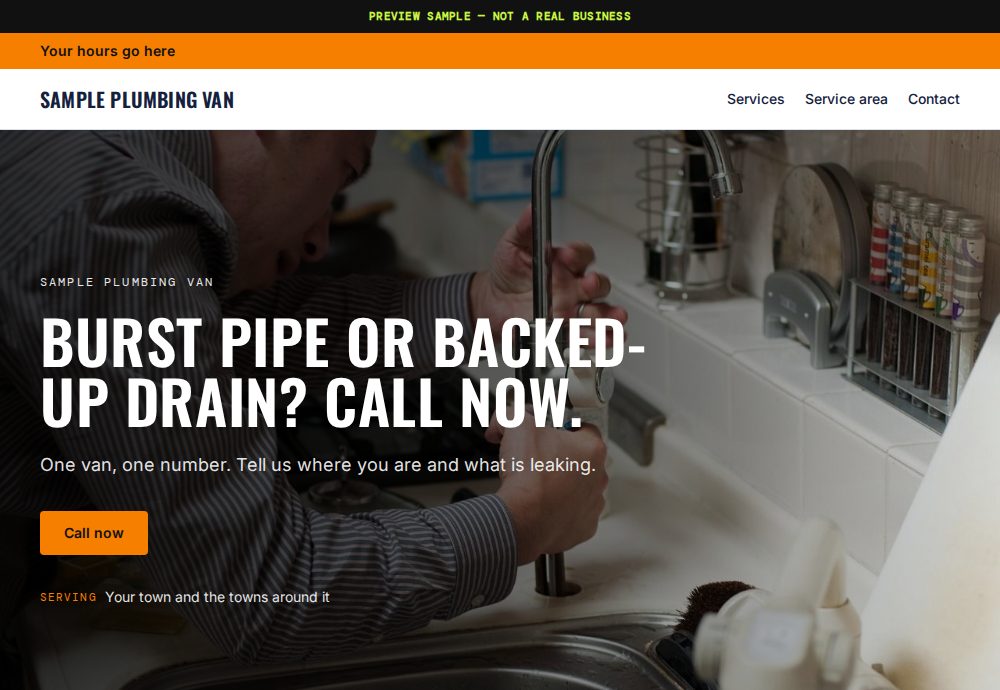
Plain. Big phone number. Written for someone on a job site.
PREVIEW SAMPLE — NOT A REAL BUSINESS

Sharp. The chair, the hours and one button to book.
PREVIEW SAMPLE — NOT A REAL BUSINESS
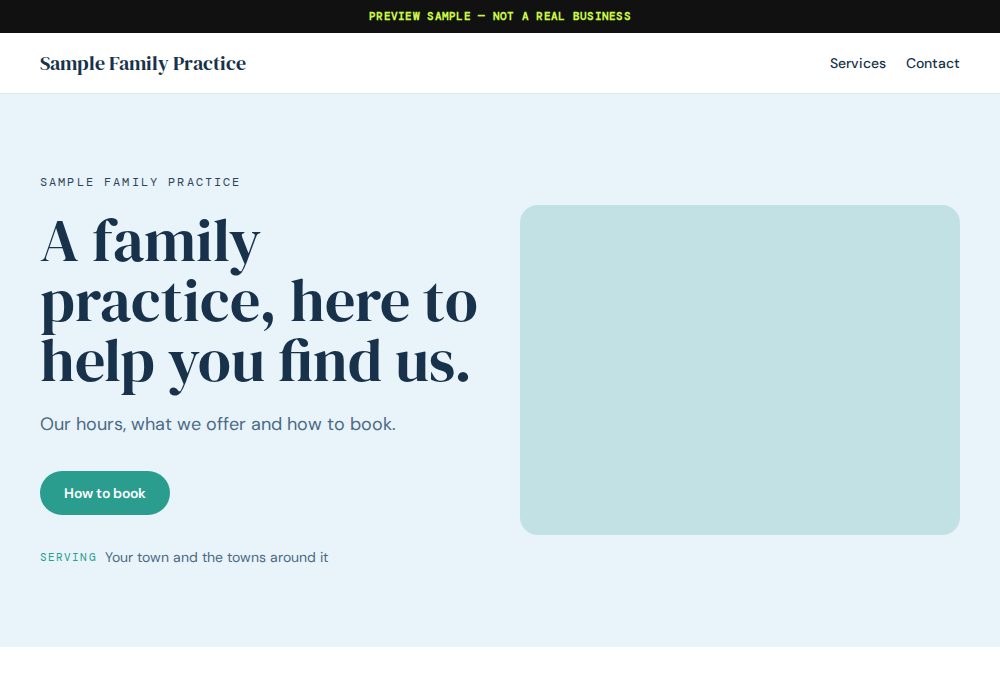
Quiet. Who it is for and how to book a consult. Business facts only.
PREVIEW SAMPLE — NOT A REAL BUSINESS
The messages, the schedule, the customer list and the site: WEB keeps them in one place and drafts what needs doing. You do the work you are good at, and say yes or no.
See everything WEB handles, and what is coming
Tell WEB what changed: a phone number, the hours, a new service. It drafts the edit from the facts you gave it.
Requests from your site land in one inbox, not scattered across apps. Ask “any new leads?” and WEB tells you what is waiting.
Your jobs in one list. Ask “what is on today?” Running late? Tell WEB and it drafts the text to your customer.
Everyone you work for, in one list. Ask “who is next?” and WEB answers from your own records.
It reads what is going on where you work and writes it down with the date and the source.
WEB prepares the publish, the reply or the post, and stops. Nothing goes out, and nothing is charged, until you press the button.
No admin screens, no plugins. You write it the way you would text a person. WEB shows you exactly what it would change, and you look before anything goes live.
Hosting, security and updates are looked after for you. The one thing WEB will not do is press Publish.
Your draft is ready for a look.
Only you can publish. Until you press the button, nothing is public and nothing is charged.
| WEB | An agency | A DIY builder | |
|---|---|---|---|
| Who does the work | WEB drafts, you approve | They do, on their schedule | You do, after hours |
| Setup fee | None | Usually | None |
| Seeing your site first | A full draft before you pay | After a kickoff and a brief | When you find the time |
| Changing your hours | Text it in plain words | Email and wait | Log in and find the setting |
| Written for your trade | Yes, from a design brief | Depends on the agency | Pick a template |
| Goes live without you | Never | Sometimes | Only when you publish |
The phone rings for a leak tonight and a water heater next month.

Your license and service area, before they scroll.
Your own project photos and an easy quote request.

Hours, address, then what you fix.

A quote in a minute: home or office, how often, where.

Hours, and what is in the case today.

Book the chair.

Hours, services and location. Business facts only.
Local and online service work. Not retail, yet. Run an agency? Websites for agencies.
One number, from what your site needs. You see it, and what is in it, before you press Publish. No setup fee. No migration fee.
One monthly price for your site, worked out from what it needs and shown before you publish. Hosting, security, updates and your domain are in it, and you see what is in it before you agree. There is no setup fee and no migration fee, and nothing is charged until you press Publish. Agencies with 3 or more sites pay per site: $175 for 3 to 4 sites, $149 for 5 to 9 sites, $129 for 10+ sites.
Nothing is charged until you press Publish, so an unpublished draft is never refunded: no money moved. After you publish, a refund is possible only for an outage we recorded that Web the Builder could have prevented. A power loss at a data center or an internet provider failure does not count. There is no ranking guarantee.
You decide. WEB drafts, you preview, and nothing goes live until you press Publish.
I cannot promise rankings, and nobody honest can. What I do: research your trade and your town, attach the date and source to every suggestion, and draft your Google Business Profile text. You claim and verify the profile on your own phone; I never log into Google.
I can only answer from what we have published, and I do not have that. I will not guess. The team can answer it: use the contact page.